Your year-end report in 10 minutes
Paste your notes and figures for the year; XomiW drafts a formatted Word report and slides. You just read and adjust.
Get an inviteThree templates for three kinds of report
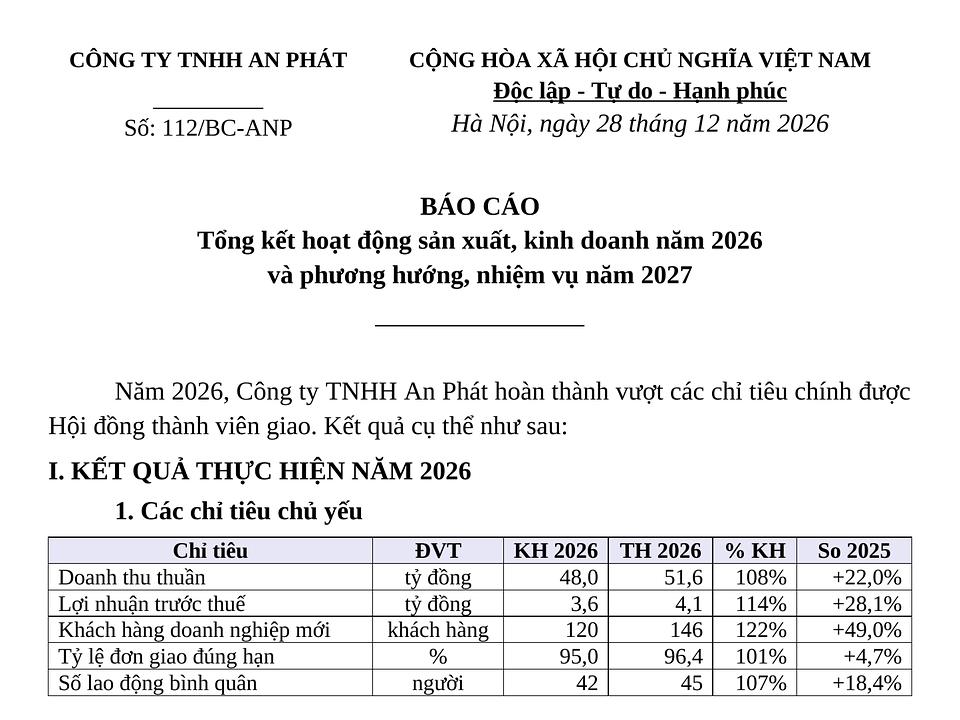 Output: Word
Small business
Business results, a KPI table, issues and the 2027 plan, in the Vietnamese administrative format.
Request: “Write the company's 2026 annual report from this revenue file and these notes, with the 2027 plan.”
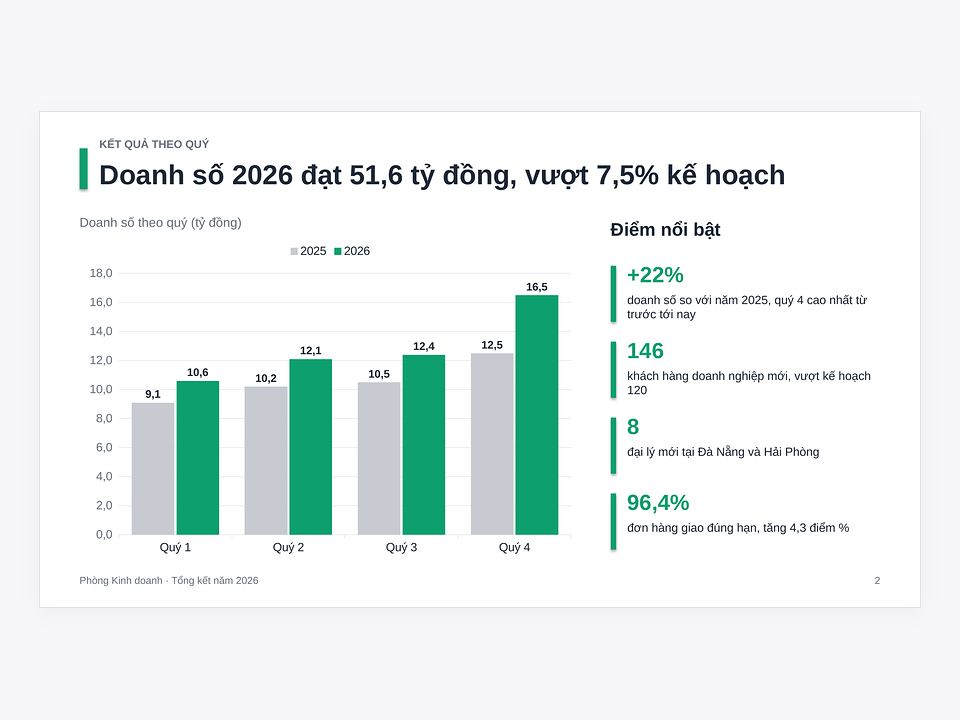 Output: Slides
Department
Department review slides: a quarterly chart, highlights and next year's plan.
Request: “Make 8 year-in-review slides for the Sales department from the quarterly sales table.”
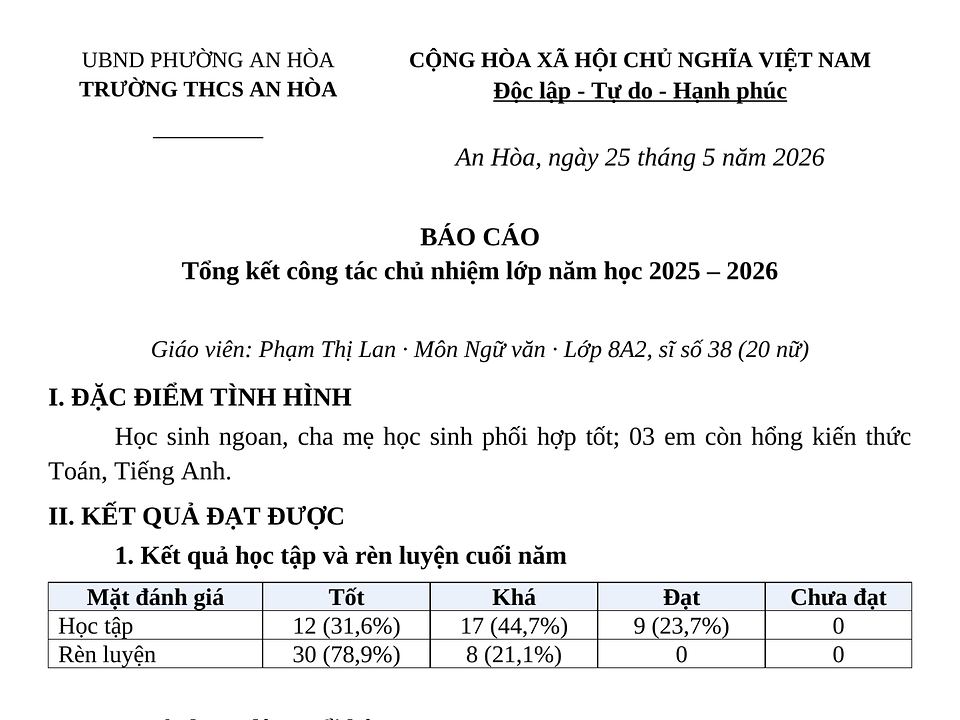 Output: Word
Individual or teacher
A personal or school-year report: results, strengths, shortcomings, proposals.
Request: “Write the school-year report of the homeroom teacher of class 8A from these notes.”


Prepare your figures
- 1Gather the year's figures: revenue by month or quarter, targets, main costs. An Excel file works best.
- 2Jot down highlights, difficulties and next year's plan; bullet points are enough.
- 3Attach last year's report if you want the same layout.
- 4Send it to XomiW, read the draft and ask for changes until it's right.
Get an invite before year-end
Leave your email and we'll send an invite with gift credits that expire, so you can try reports and slide decks.